

Keplr Wallet is a multichain crypto wallet built specifically for the Cosmos ecosystem and used by more than 2 million users worldwide. It supports seamless interaction with Cosmos-based blockchains and decentralized applications. As of December 2025, CoinMarketCap lists nearly 100 Cosmos ecosystem tokens with a combined market capitalization of almost $12 billion, underscoring the scale and maturity of the network. Cosmos itself has processed over $1 trillion in cross-chain transactions via the Inter-Blockchain Communication (IBC) protocol by 2025.
Source: Keplr
This article explains what Keplr Wallet is and highlights its core features and role within Cosmos. It also provides a step-by-step guide to setting up Keplr and funding it with Cosmos (ATOM) using BingX, which recorded a peak 24-hour trading volume of $26 billion in 2025. Whether you are new to crypto or an experienced DeFi user, Keplr offers a practical gateway to cross-chain finance and the broader Cosmos ecosystem.
Before you get started, learn more on how to set up a MetaMask, Trust Wallet, Phantom, or Ledger wallet.
What Is Keplr Wallet, Web3 Wallet for the Cosmos Ecosystem?
Source: Chrome Web Store
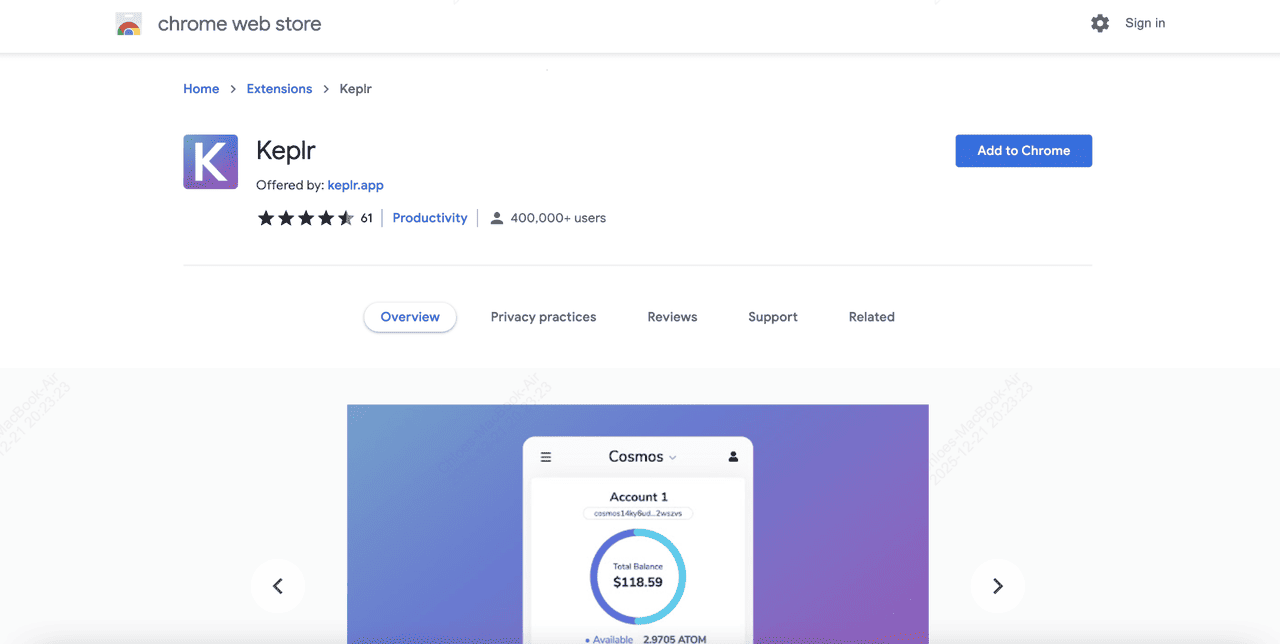
Keplr Wallet is a non-custodial, browser-based cryptocurrency wallet that serves as a secure gateway for users to interact with multiple blockchains. It is available as a browser extension (primarily for Chrome) and a mobile app, allowing users to store, send, receive, and manage digital assets across various networks.
Unlike custodial wallets, Keplr gives users full control over their private keys, emphasizing security and privacy. Manage all your crypto in one wallet by tracking your portfolio across multiple chains without switching networks, staking and claiming rewards, viewing and showcasing your NFTs, voting on governance proposals, and monitoring detailed transaction history.
As a self-custodial wallet, Keplr ensures users retain complete ownership of your funds, with secure sign-in options including Google account, 12 or 24-word seed phrase, or private key, and the ability to connect a Ledger for enhanced security. With over 1 million downloads for its browser extension alone and support for top Layer 1 integrations like Bitcoin, Ethereum, BNB Chain, Sei, and Avalanche, it supports a wide range of cryptocurrencies, making it ideal for those engaging in decentralized applications (dApps), staking, and cross-chain transactions.
What's the Connection Between Keplr and Cosmos?
Source: Cosmos
Keplr Wallet is deeply integrated with the Cosmos ecosystem, which is a network of interconnected blockchains designed to facilitate interoperability through the Inter-Blockchain Communication (IBC) protocol. Cosmos aims to solve the silos in blockchain technology by enabling seamless asset transfers and data sharing between different chains.
As of 2025, the Cosmos ecosystem features over 120 chains connected to the Cosmos Hub, with a combined market cap exceeding $58 billion and an average of 35 million annual IBC cross-chain transactions. Keplr was built with Cosmos in mind from the outset, serving as an IBC-enabled wallet that allows users to manage Cosmos Hub's native token, ATOM, which has a market cap of $1.9 billion, and other Cosmos-based assets like TIA and INJ. This connection makes Keplr the go-to wallet for Cosmos users, providing easy access to staking, governance, and multichain interactions within the Cosmos SDK framework, where IBC transaction volume saw over 300% growth in 2025.
Read more: How to Set Up a Bitcoin (BTC) Wallet?
What are the Key Features of Keplr Wallet?
Source: Keplr Wallet on X
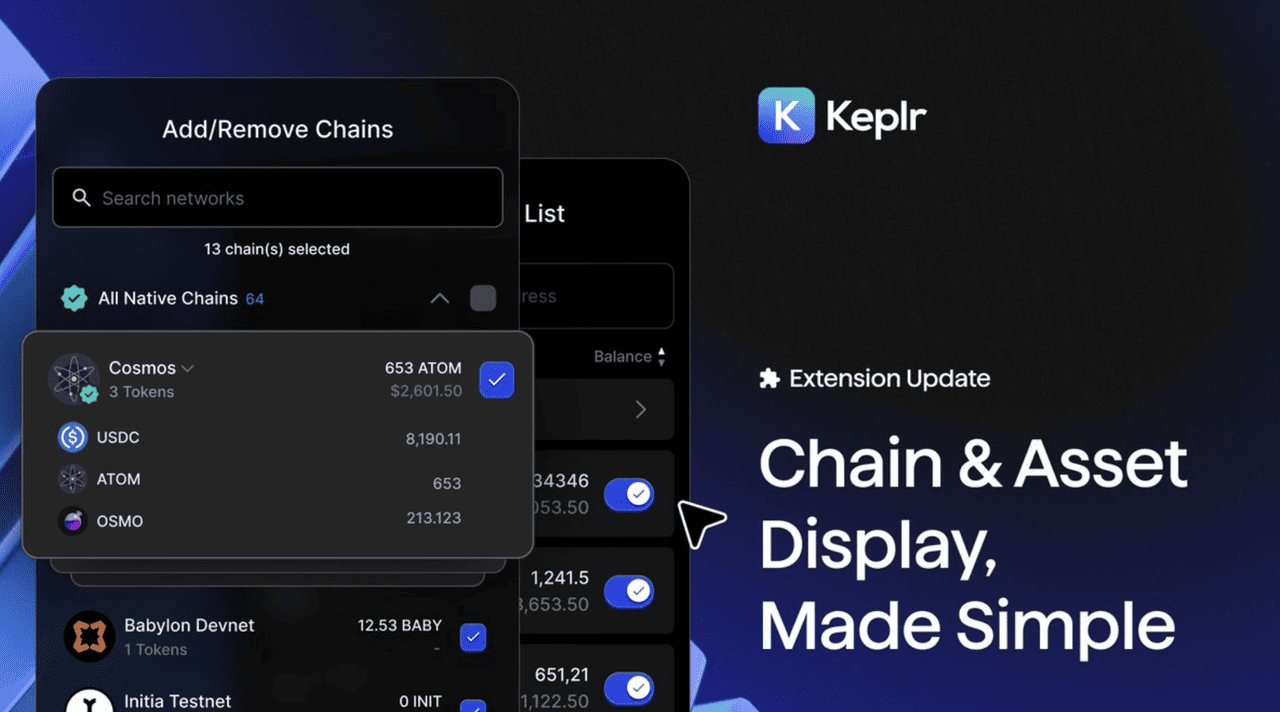
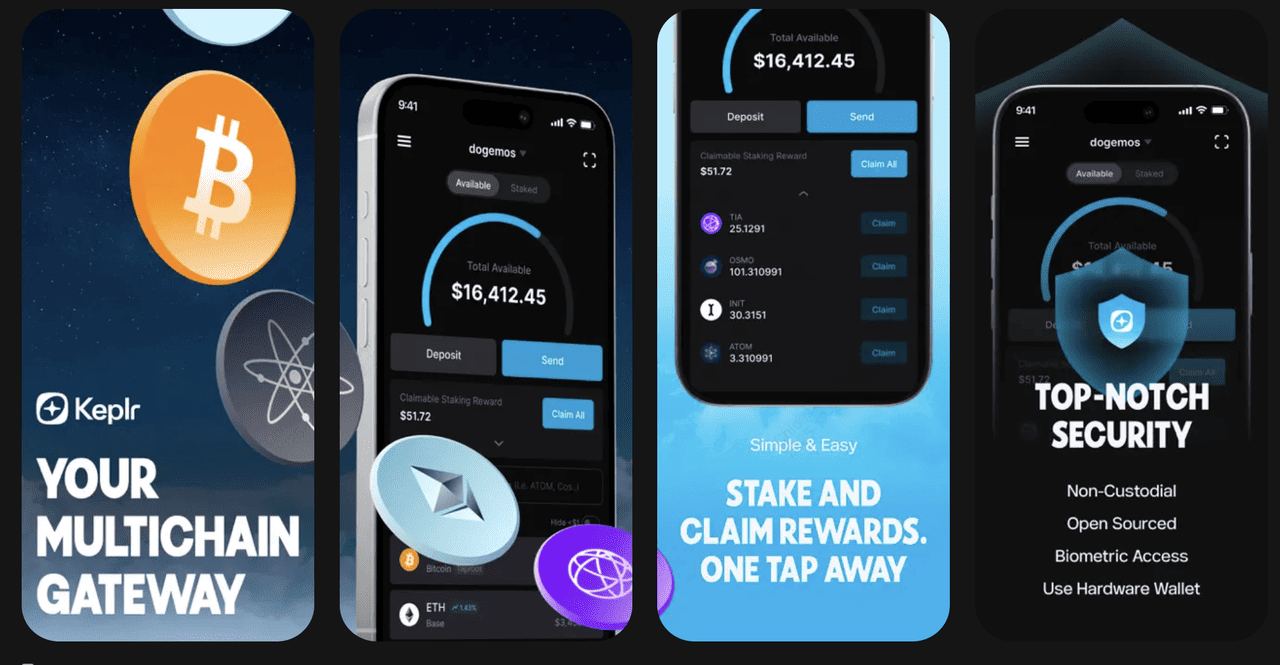
Keplr Wallet offers a robust set of features that make it a top choice for multichain users. It provides extensive multichain support, connecting to over 50 IBC-enabled chains and more than 300 networks in total, including major ecosystems like Cosmos, Bitcoin, Ethereum, and others, enabling seamless asset management in a single interface. Security and privacy are prioritized through robust encryption and fully non-custodial storage, ensuring users maintain complete control over their funds with zero major security incidents reported since launch.
Keplr excels in dApp integration, allowing effortless interaction with decentralized applications, NFTs, and decentralized finance (DeFi) protocols across supported chains, where the Cosmos Zones ecosystem boasts a total TVL of $2.35 billion as of mid-2025. Built-in staking and governance tools enable users to stake ATOM reaching an all-time high of 274.04 million staked tokens in the first half of 2025, a 15.7% increase and participate in network decision-making. Its user-friendly interface, available on both mobile and browser platforms, ensures accessibility for beginners and advanced users alike, contributing to its rapidly growing base of over 2 million users.
Who Created Keplr Wallet?
Keplr Wallet was developed by Chainapsis, a blockchain technology company focused on the Cosmos ecosystem. The project was co-founded by Josh Lee and Tony Yun in 2016, with Josh Lee serving as a key builder and advocate for interchain wallets. Chainapsis has been instrumental in advancing IBC technology, and Keplr's development reflects their vision for a connected blockchain future. In January 2025, Chainapsis raised $5 million in seed funding at a $50 million valuation, which has supported ongoing enhancements to the wallet, marking its first major funding after bootstrapping for four years.
How to Set Up a Keplr Wallet: Step-by-Step Guide
Setting up Keplr Wallet is straightforward and takes just a few minutes, with millions of users completing the process seamlessly since its launch. Here's a detailed guide:
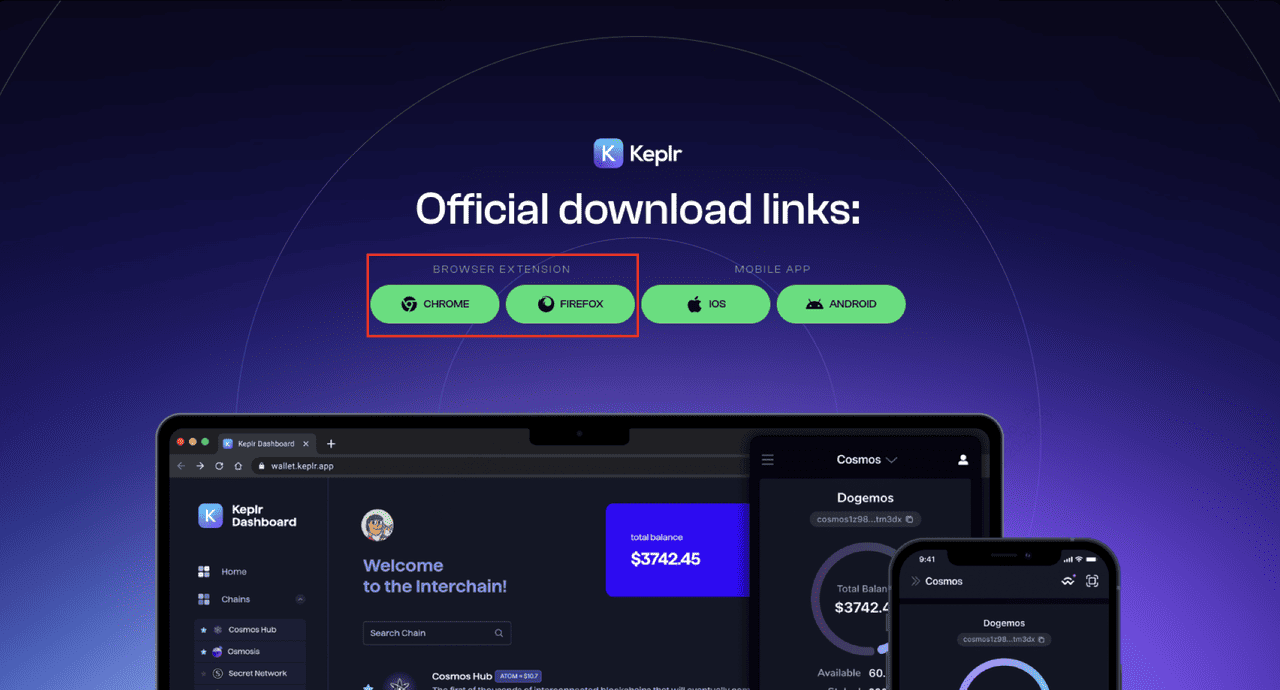
1. Install the Extension: Visit the Chrome Web Store and search for "Keplr". Click "Add to Chrome" and confirm the installation. You can also find the official download links from the Keplr website.
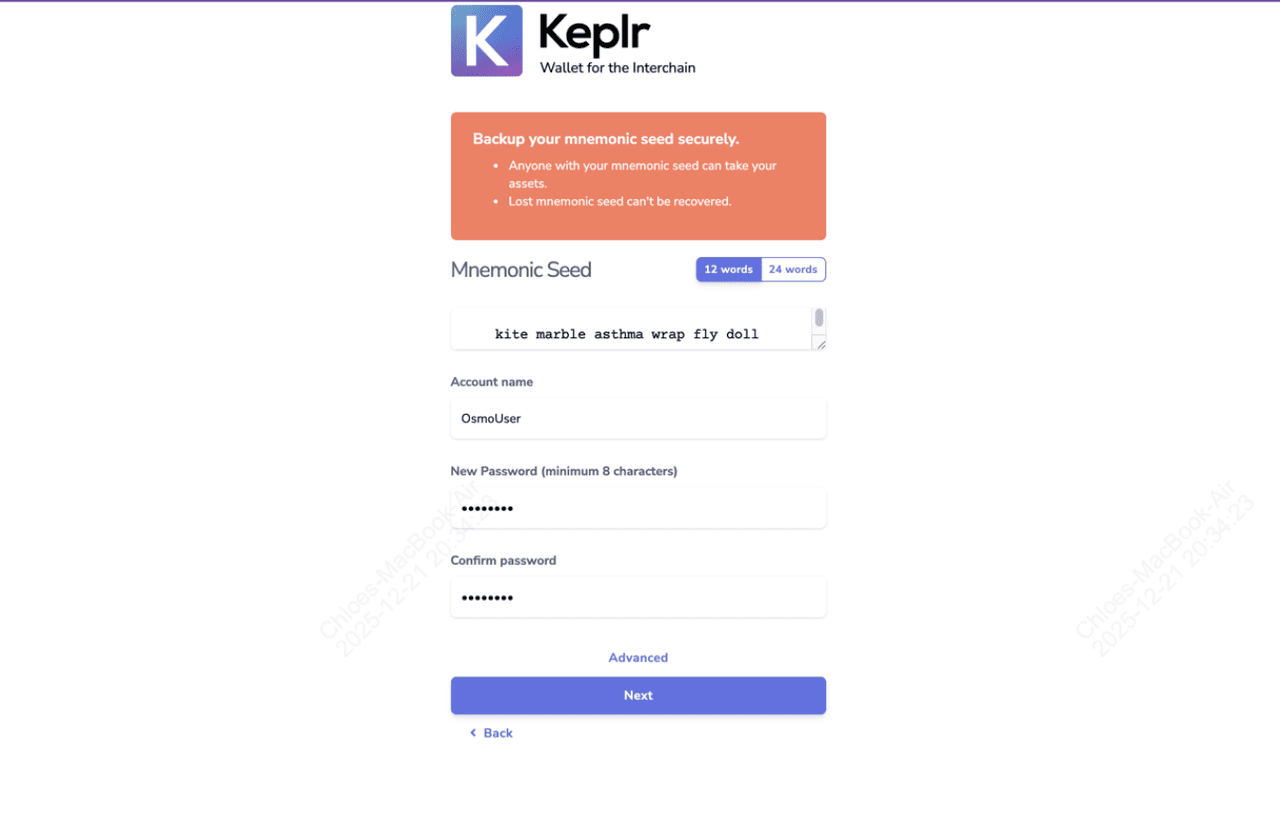
2. Create or Import an Account: Open the Keplr extension. Choose to create a new account (generate a 12- or 24-word mnemonic seed phrase), import an existing mnemonic, or connect via Ledger hardware wallet or Google account. Securely back up your seed phrase, never share it.
Source: Osmosis Docs
3. Set a Password: Create a strong password to protect your wallet, enhancing security for your assets across supported chains.
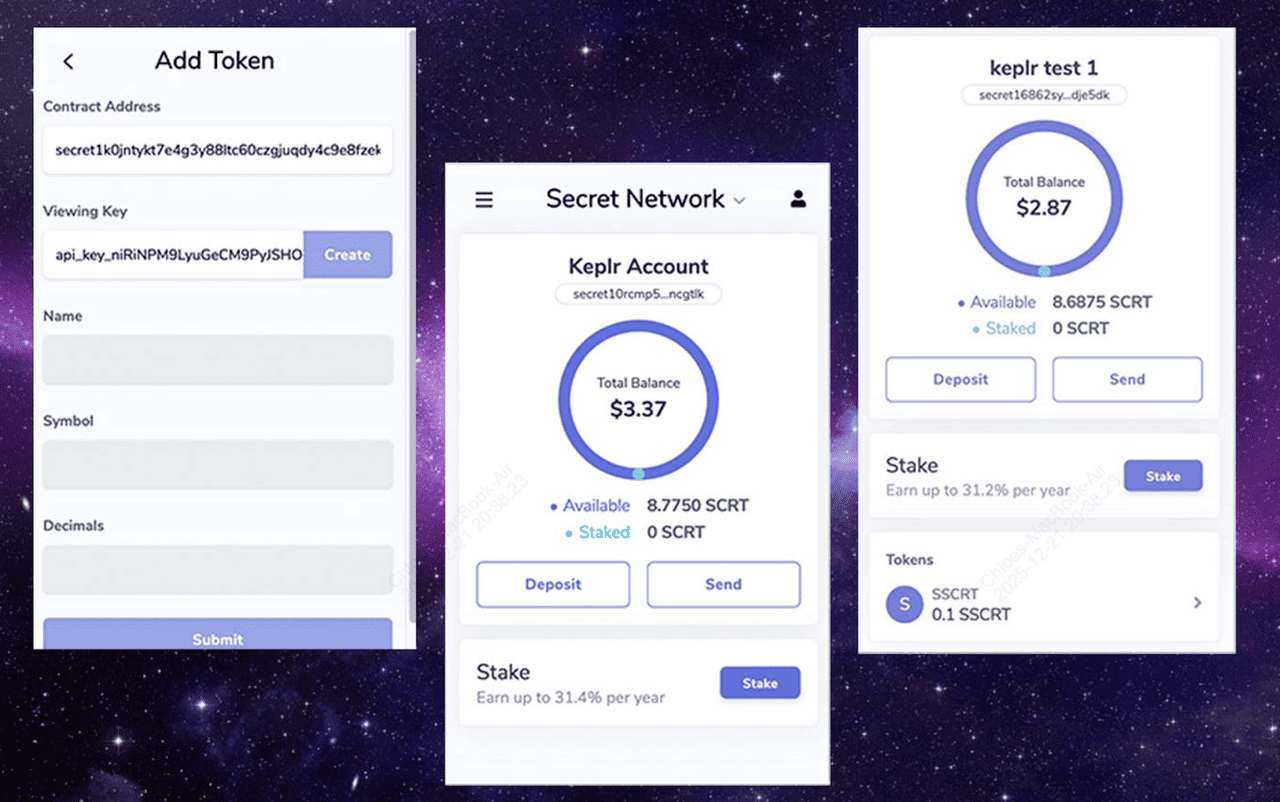
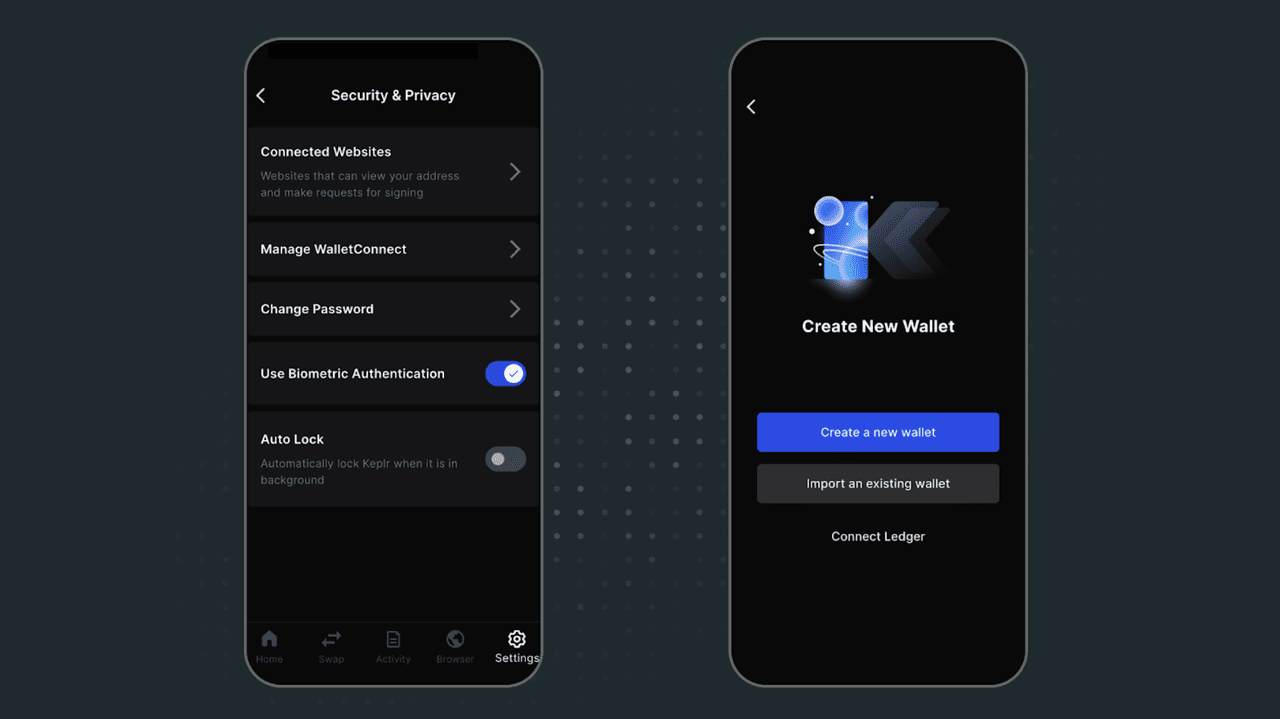
4. Add Networks: Keplr automatically suggests popular chains like Cosmos. You can add more via the settings, expanding access to over 50 IBC-enabled networks.
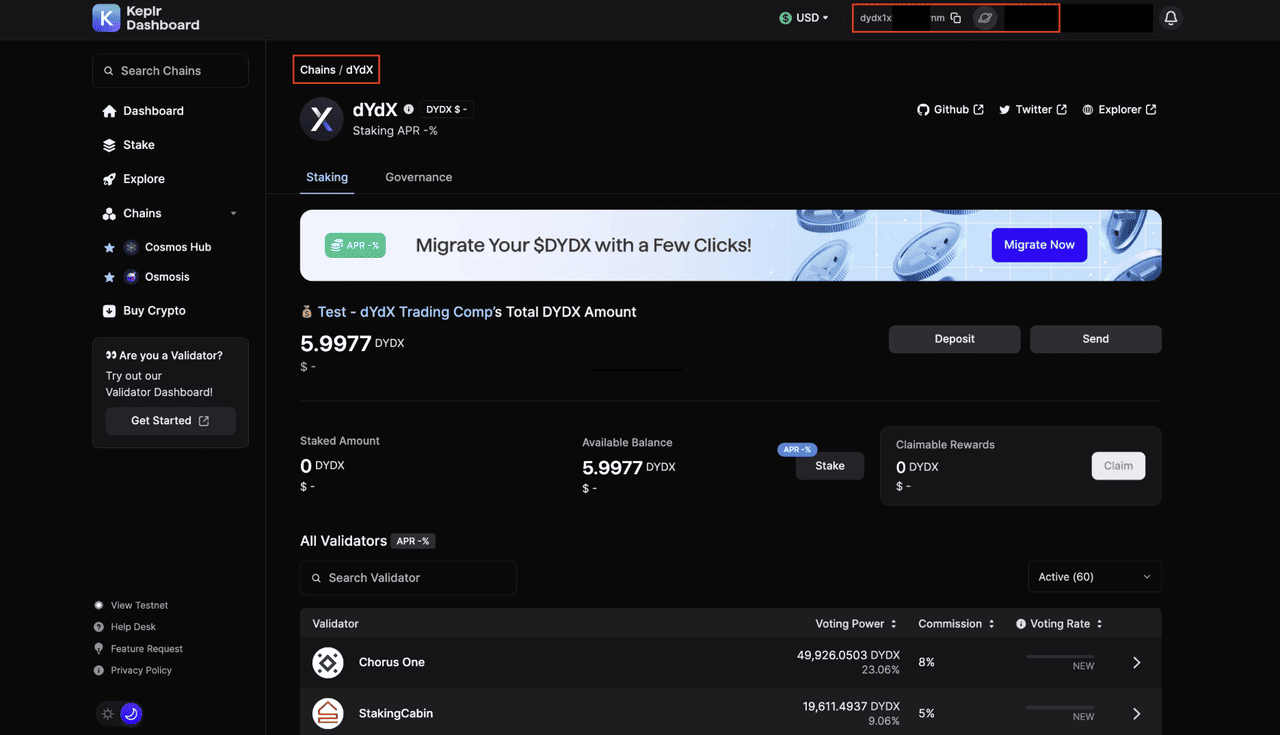
5. Verify Setup: Check your wallet address and ensure it's ready for transactions, confirming integration with ecosystems handling millions of IBC transfers annually.
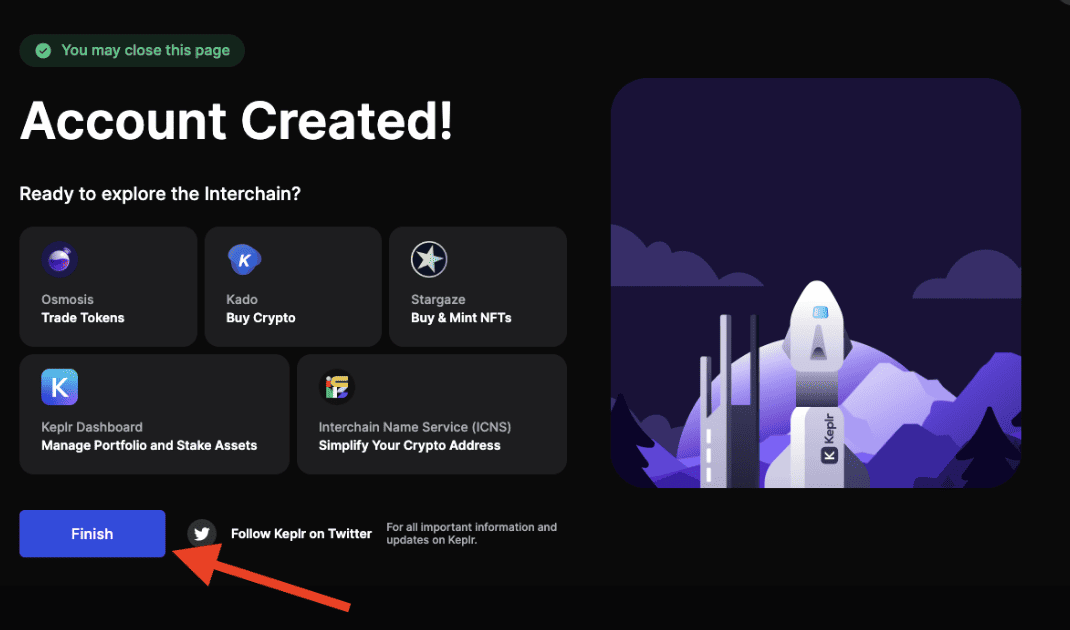
Once set up, you're ready to explore the Cosmos ecosystem.
How to Fund Your Keplr Wallet By Buying ATOM on BingX
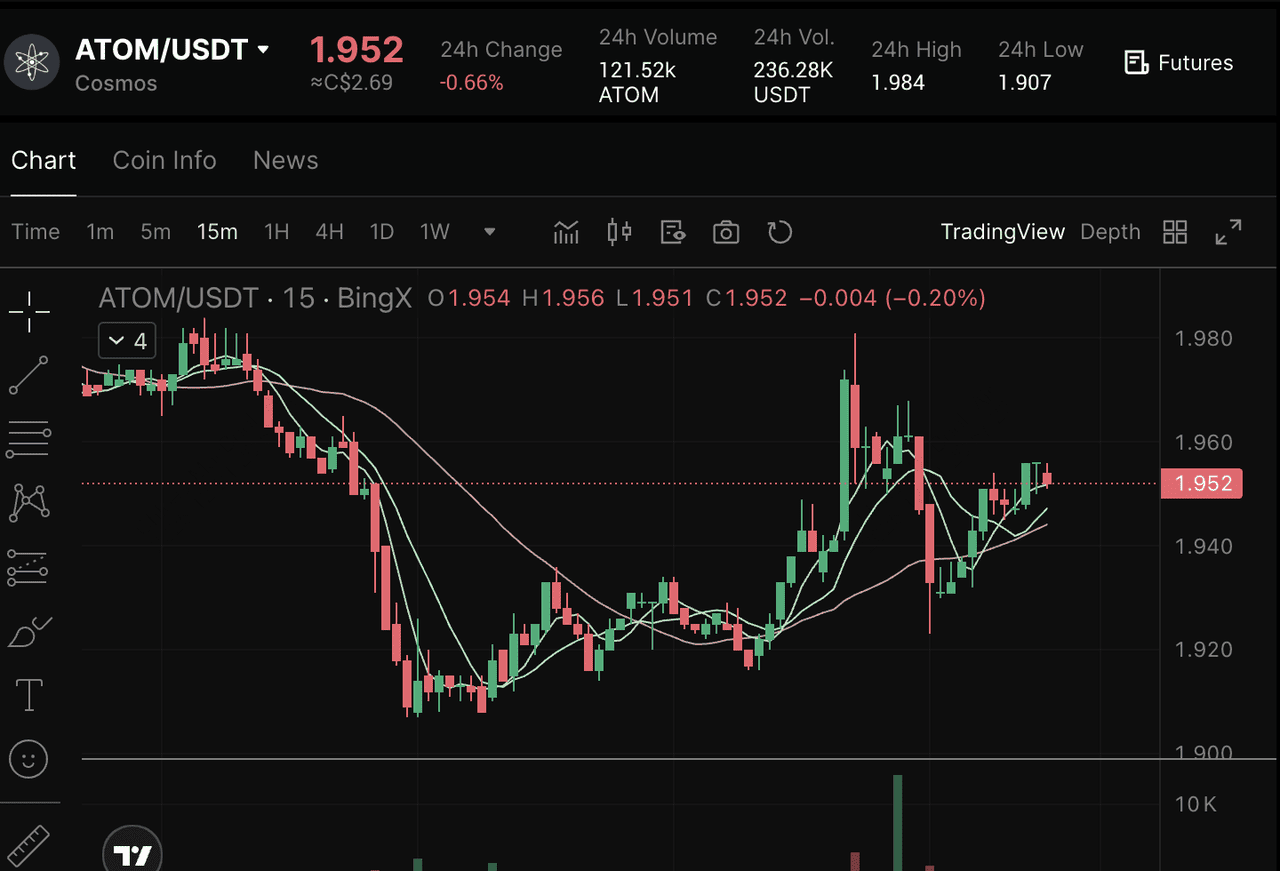
Trading ATOM/USDT on BingX Spot Market
Before you can stake, swap, or explore dApps on the Cosmos ecosystem via your Keplr wallet, you need to add funds to your Keplr wallet. ATOM is the native token of the Cosmos Hub, a leading layer-1 blockchain focused on interoperability, available for trading on BingX. You can access ATOM through the spot market and use it within its ecosystem, including DeFi protocols, staking, governance, and IBC-enabled applications on Cosmos. Here's a step-by-step guide on how to buy ATOM on BingX:
Step 1: Log in or Create a BingX Account
Log in to your BingX account. If you don't have one, you can register using an email or mobile number. Completing identity verification (KYC) is required for full access to trading features.
Step 2: Deposit Funds
Go to the Buy Crypto section to deposit funds into your account. BingX supports several payment options such as bank transfer, credit or debit card, and peer-to-peer (P2P) transactions.
Step 3: Find the ATOM/USDT Pair
Navigate to the Spot trading section and search for ATOM/USDT. Select the pair to view the trading interface. Use BingX AI tools to analyze Cosmos trends and make smarter trading decisions.
Step 4: Place Your Order
Choose between a Market Order to buy at the current price or a Limit Order to set your preferred entry. Enter the amount and confirm the order.
Conclusion
Keplr Wallet is a powerful, secure solution for navigating the multichain world, especially within the Cosmos ecosystem, where ATOM staking hit 274 million tokens in 2025 and IBC transactions exceeded 179,000 weekly with $175 million in value transferred. With its intuitive features and strong focus on interoperability, it empowers over 2 million users to manage assets efficiently amid a Cosmos market cap of over $943 million. By following the setup and funding steps outlined, you can quickly get started and participate in staking, DeFi, and more. As blockchain technology advances, tools like Keplr will continue to play a pivotal role in making crypto accessible and safe for everyone, driving the industry's growth toward trillions in cross-chain value.
